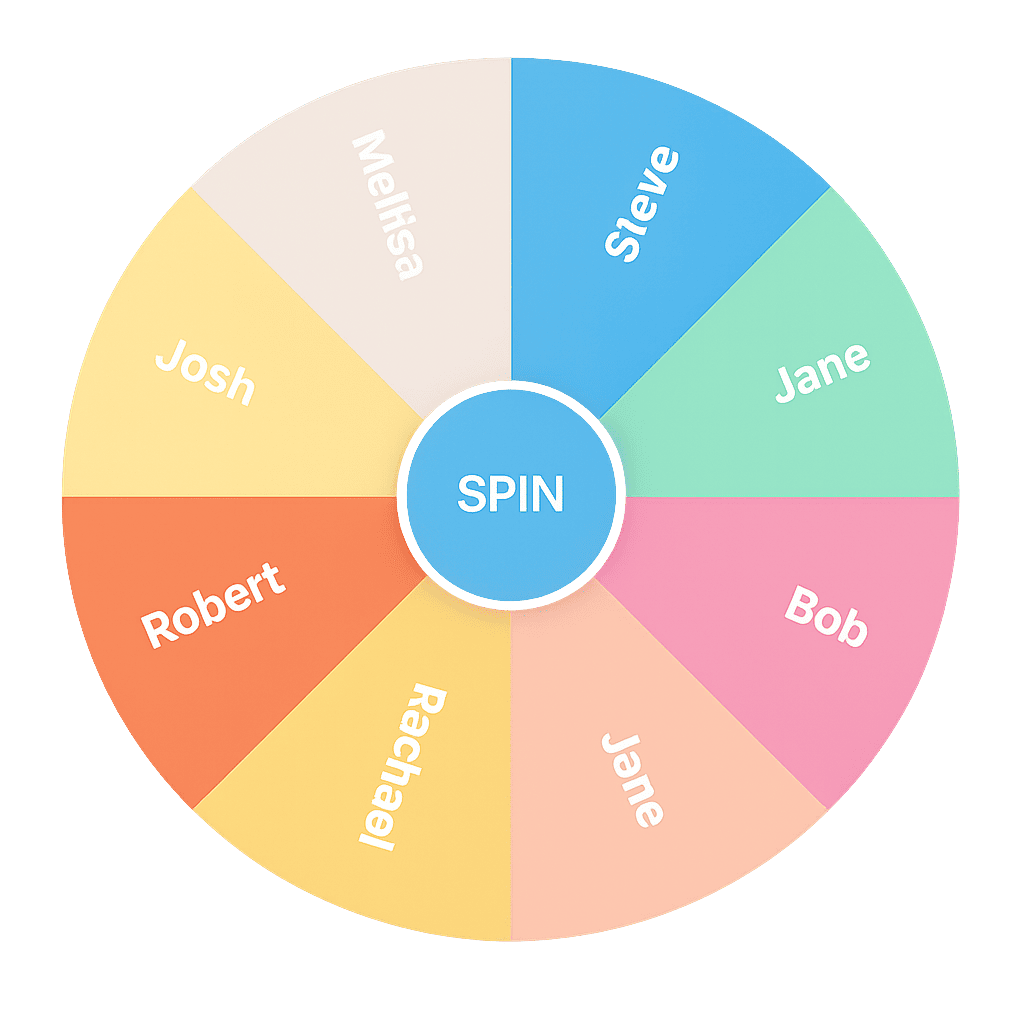
Free Random Wheel Spinner & Decision Maker Tool
Make fair decisions fast.
This wheel is shared for viewing only. You cannot make changes.
Tutorials and FAQs
What is PickOWheel?
A picker wheel is a random selection tool that spins through a list of options and chooses one fairly.
PickoWheel lets you create your own wheel, add custom entries, and spin instantly. No downloads or setup required.
How does the wheel work?
Enter your option in the text box and click “Add”. Make the text as short as possible
Your options will appear on the wheel and in the entry list.
Click the “SPIN” button to randomly select one.
How do I add options from a CSV or TXT file (Import List)?
To import a list, use a CSV or TXT file where each line is a separate entry.
Make sure your file is less than 100KB.
Your options will appear on the wheel and in the entry list.
Click the “SPIN” button to randomly select one.
How do I name, save, and load my wheels?
Use the “Edit Wheel” menu to manage your wheels.
Name Wheel: Give your wheel a unique name to easily identify it.
Save Wheel: Save your current wheel setup to your local storage.
Load Wheel: Load a previously saved wheel from your local storage.
How do I control the volume?
Click the icon to reveal the volume slider.
Adjust the slider to control the sound effects volume.
How do I share my wheel?
Click the “Share” button to generate a unique link for your wheel.
Share this link with others to let them use your wheel.
How to Create a Text (.txt) file
Open a text editor (e.g., Notepad, TextEdit, VS Code).
Type each option on a new line.
Save the file with a .txt extension (e.g., mylist.txt).
Each line or row will become a separate entry on the wheel.
How to Create a CSV (.csv) file
Open a spreadsheet program (e.g., Excel, Google Sheets) or a text editor.
Type each option in a new row (or line).
Save the file with a .csv extension (e.g., mylist.csv).
If using a spreadsheet, use "Save As" and select "CSV (Comma delimited) (*.csv)".
Each line or row will become a separate entry on the wheel.
Popular Uses of PickOWheel
As a name picker wheel for classrooms and events
As a random number generator wheel for games and draws
As a yes or no wheel spinner for quick decisions
As a team picker wheel for sports, work, or study groups
Is my data private?
See our Privacy Policy for more.
Explore Picker Wheel Tools
Number Picker – Generate random numbers instantly
Yes / No Wheel – Make quick decisions with a single spin
Team Picker – Create fair and balanced teams
Each tool is powered by the same core picker wheel engine for consistent and unbiased results.
Contact Support
Having issues? Our support team is here to help!